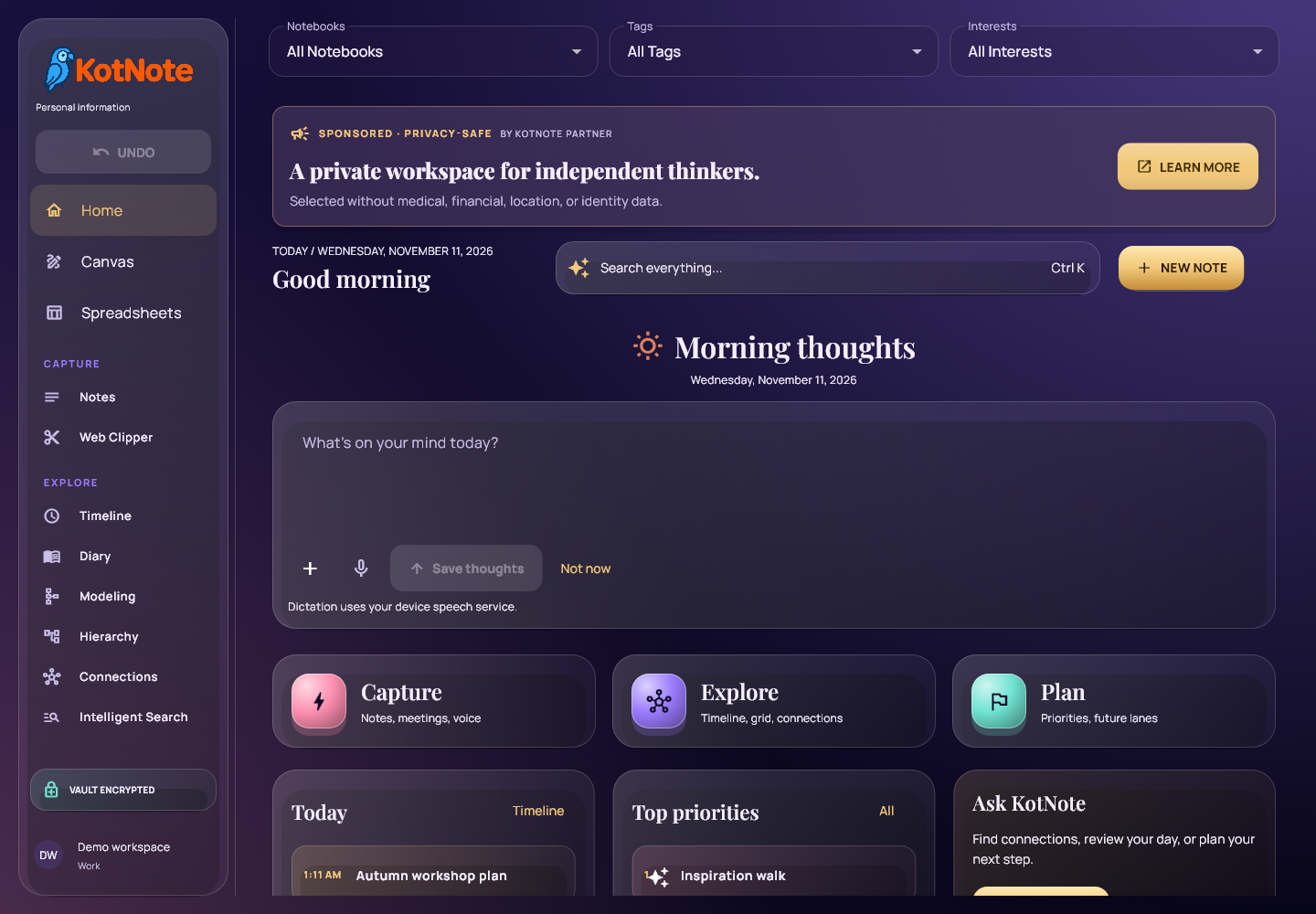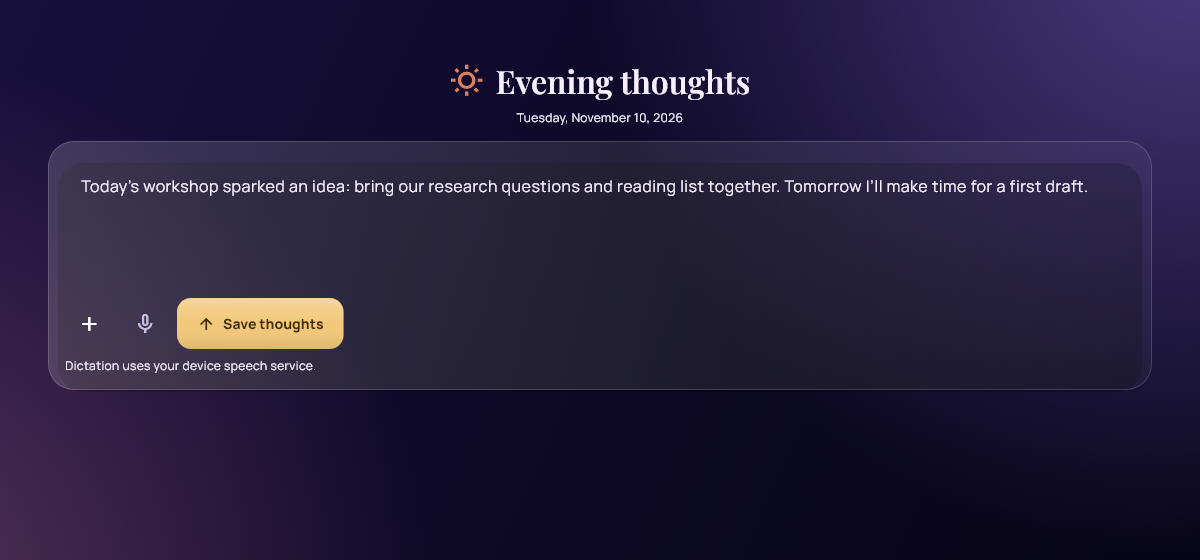

Start with one useful note. Our new standalone KotNote tutorial walks through writing, saving, organizing and finding it again. It includes three short, captioned videos, downloadable MP4 files and readable transcripts. You can follow at your own pace without audio.
Aloitusopas on saatavilla myös suomeksi. The videos use the English interface, with English and Finnish subtitles.
Three things to try
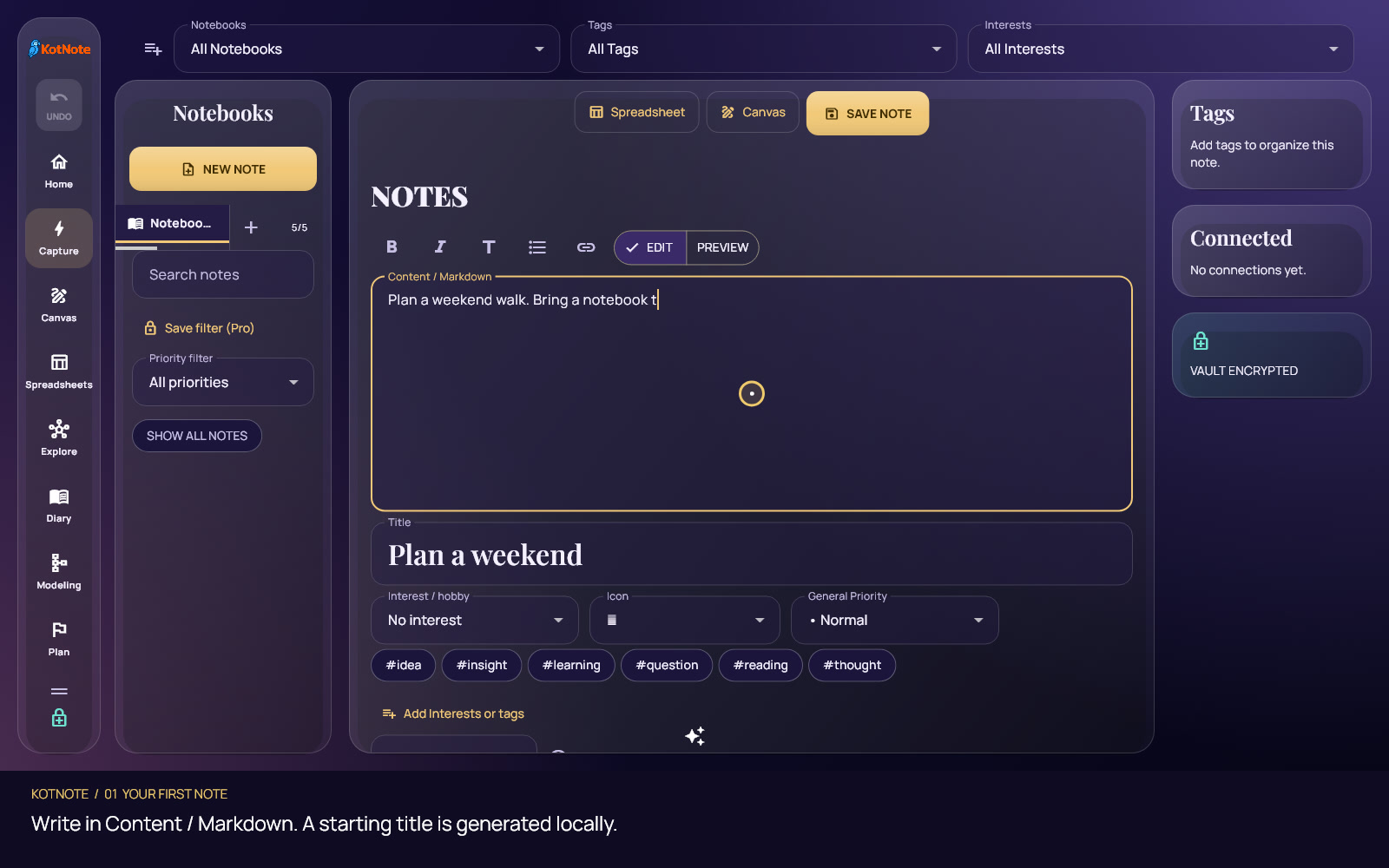
- Your first note. Write a thought in Content / Markdown, adjust the suggested title and save. You can organize it later.
- Your own tags and Interests. Begin with the small set of enabled choices. Search the full catalog only when you need another option. Enabling a tag makes it available; choosing it on a note assigns it.
- Find and reopen a note. Search your notebook collection, open the result’s details, choose Edit and save your changes to the original item.
A smaller starting point
The updated browser interface starts fresh accounts with up to six enabled tags and three Interests. Notes keeps longer lists compact, with explicit expansion and catalog actions. Existing assignments stay intact, and opening the catalog does not replace your unfinished note.
The tutorial also explains how local saving differs from synchronization, what to check when a filter hides a note, and how to choose one next workspace such as Diary or Canvas. A Windows release with older labels may look different from the browser recordings.
For the broader picture, keep the complete KotNote feature guide nearby. It remains the reference for calendars, connections, planning, Canvas, spreadsheets, Modeling and imports. The new tutorial turns its introductory material into a short practice session.
Open the tutorial → · Watch the walkthroughs · Avaa suomenkielinen opas